Your terminal, in a tab.
Reach your remote shell from a computer or phone. No browser extension required.
REMOTE ACCESS. LESS FRICTION.
Your remote terminal should be as easy to reach as a website. Open Hoposhell and get back to your machines—without the networking detour.
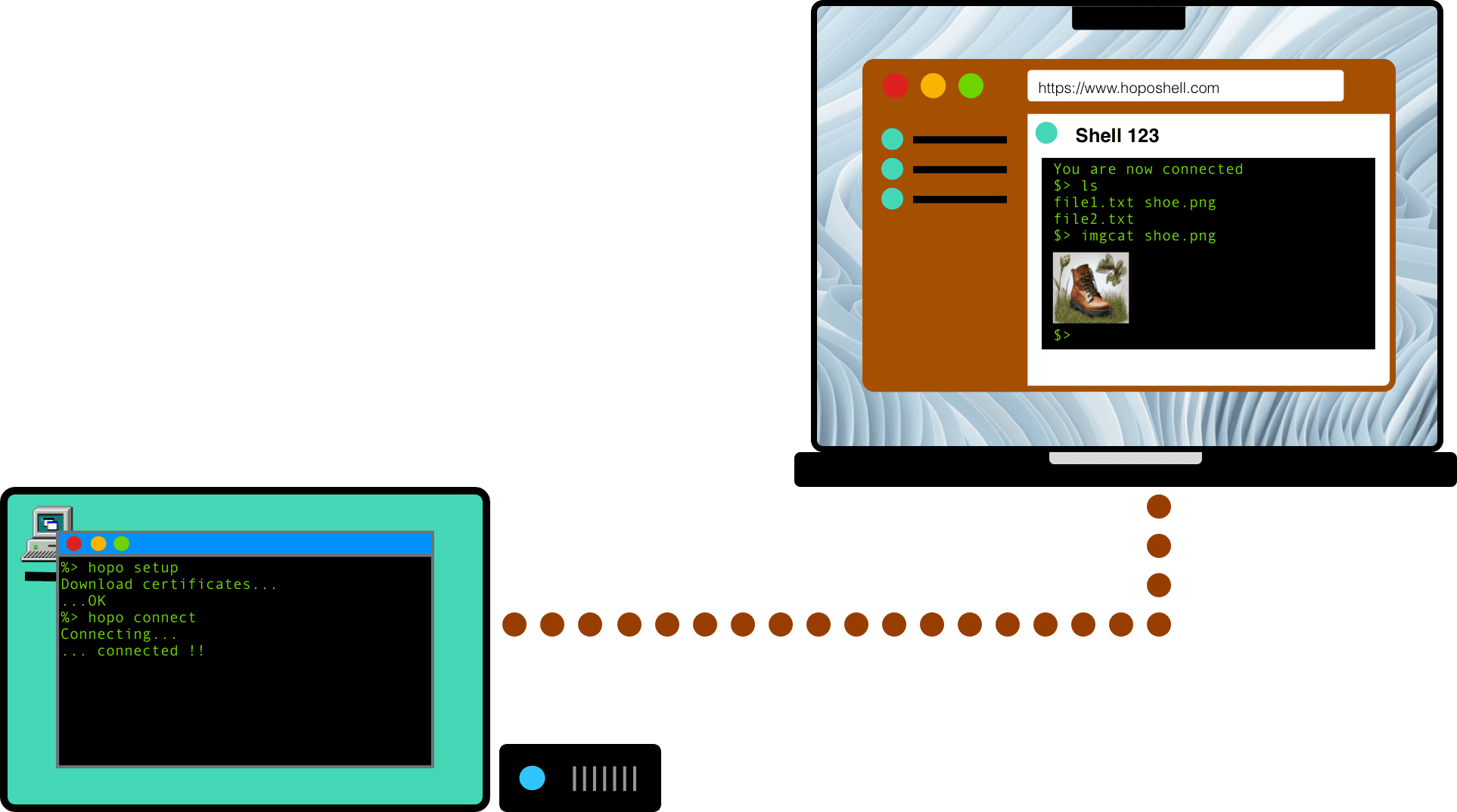
Less setup. More reach.
Spend your time on the machine, not on figuring out how to get to it.
Reach your remote shell from a computer or phone. No browser extension required.
Connect behind NAT, without a public IP or a VPN. Your machine just needs internet access.
Built with Rust and OpenSSH, with certificate-based connections to your remote machines.
Keep your development machine, home server, or remote device within reach when you’re away.
From setup to shell
Create a free account and add your first shell.
Create account → Add shellInstall the hopo CLI on your Linux or macOS machine and set up its credentials.
hopo setup <shell-id>Run the connection command, then open your shell in the browser.
hopo connect <shell-id>More than plain text
INLINE IMAGES
Preview images right inside your terminal. Less switching between tools, more context where you’re already working.

FILE TRANSFERS Beta
Transfer files between your computer and remote machines, or between shells. Keep the tools you need in the same workflow.

Access HTTP ports on remote machines from your local computer or another connected machine.
Open the same terminal in multiple browsers and keep your session in sync.
Start small. Go anywhere.
Start with one shell for free. Add more machines when you need them.